Give your students their own place to learn
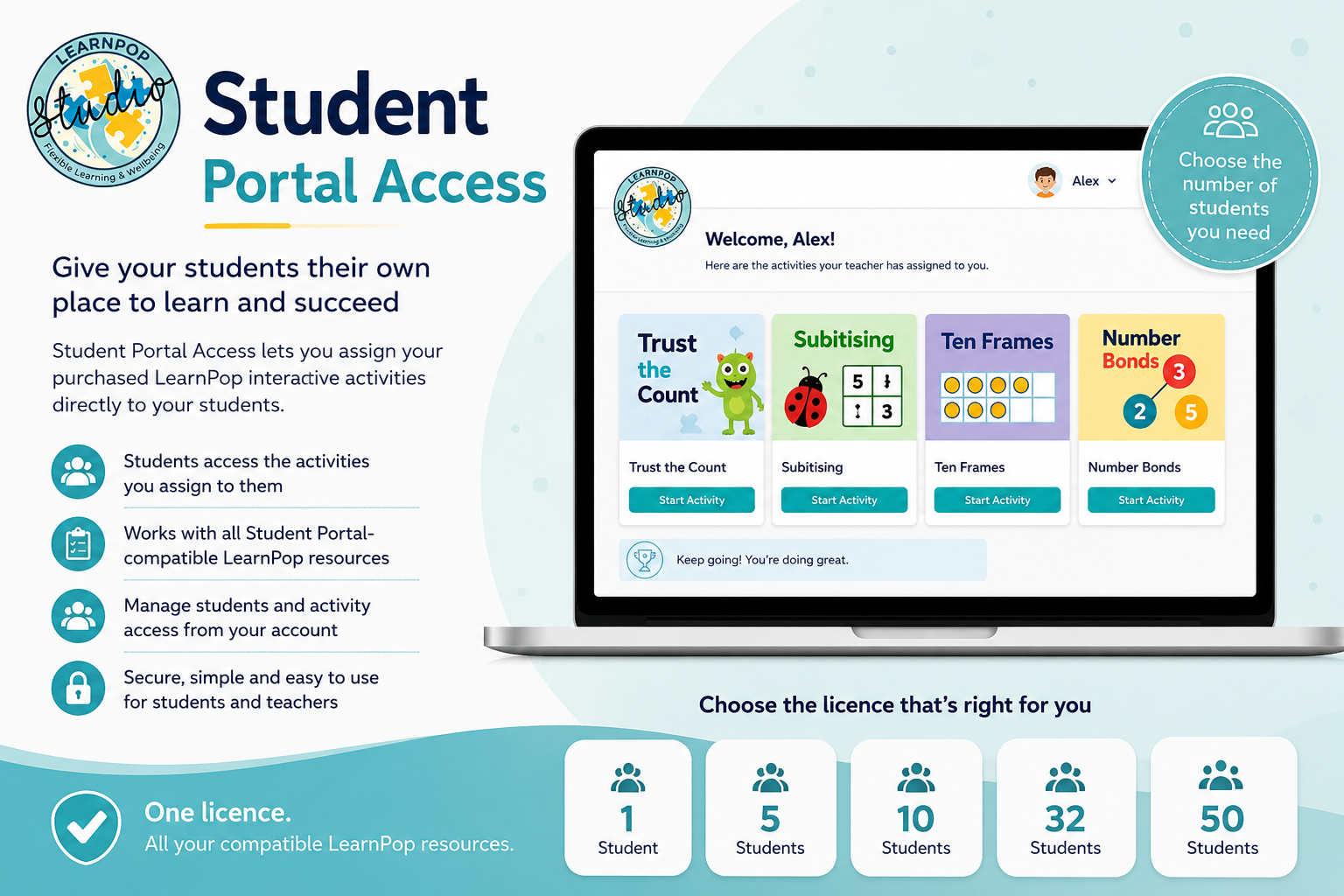
Student Portal Access lets you assign your purchased LearnPop interactive activities directly to your students.
Each student receives their own simple Student Portal where they can access the activities you choose for them, without needing access to your LearnPop account.
How it works
Purchase the Student Portal licence that matches the number of students you need.
You can then:
- Add and remove students from your Student Portal
- Assign Portal-compatible LearnPop activities you already own
- Choose which activities each student can access
- Manage student access from your LearnPop account
- Add newly purchased compatible activities to your students later
Your Student Portal licence works across all Student Portal-compatible LearnPop resources you own. You do not need to purchase Portal access again for each resource.
A note about LearnPop interactives: They are designed for review, consolidation, independent practice and exit tickets following explicit teaching. If an interactive is suitable for explicit teaching or a We Do activity, this will be clearly stated in the resource.
Choose your licence
Select the number of student places you need below.
You can start with a single student or choose a larger licence for tutoring, intervention groups or classroom use.